

I’m an avid reader. Not in the polite sense, in the compulsive sense. I consume a lot across formats and topics, whatever device happens to be in my hand.
I find things everywhere:
Social media puts something in front of me
A newsletter lands in my inbox
Someone sends me a link on WhatsApp or Slack because they know I’ll actually read it
None of that stops. I’ve made peace with that part.
What I actually love isn’t just the reading itself. I am absolutely obsessed with the workflow around it. Save it, come back to it later, on my terms.
I read across devices too:
Phone, when I’m out
iPad, when I’m on the couch
Mac, when I’m at my desk
I also stopped calling it a reading list. It’s a consumption list. Reading covers tweets, articles, the odd ebook I keep meaning to finish. I’m also watching and listening to things I’ve flagged to get to. All of it goes into the same holding pattern. All of it needs to be prioritized, tracked, revisited.
What I’ve tried
I’ve used a lot of apps trying to hold this together. I liked capturing something the moment I found it, from any app, through the share sheet. What none of them handled was the rest of it.
Pocket. Worked quietly for years. Mozilla shut it down in July 2025. No warning that mattered, just an export window, then gone. That’s the risk of building a habit around someone else’s product.
Readwise Reader. The best reading experience I’ve used. Also the one I’ve canceled and come back to more than once. Bugs that shouldn’t exist at ten dollars a month, and it occasionally just doesn’t sync between devices, which defeats the point when my whole habit is switching screens mid-read.
Raindrop. Still on my phone, but I’ve stopped pretending it’s a reading app. Good at one thing: organizing links into categories I might open again in six months. Continuous reading was never what it was built for.
Every one of these asks for the same thing: a login, a subscription, one more piece of my attention that now has to live somewhere new.
I’ve spent years trying to shrink the number of apps holding pieces of my life.
I already live inside Reminders. I already live inside Notes, iCloud, Mail, every day, without thinking about it. So why was my consumption list the one part of my life that lived somewhere else entirely.
This wasn’t my first attempt at fixing it, either:
A couple of years ago I built a barebones link saver in Shortcuts. It grabbed a URL and dropped it somewhere. Didn’t check if the page was readable, didn’t handle files, just saved a link and hoped.
I gave up on it fast and went back to paying for Readwise. Yikes, looking back.
Outside of that, my Shortcuts use was small stuff: highlight text into Notes, download a file into a folder.
Nothing that felt like it could hold real weight. I’d basically filed Shortcuts under toy.
What I actually built
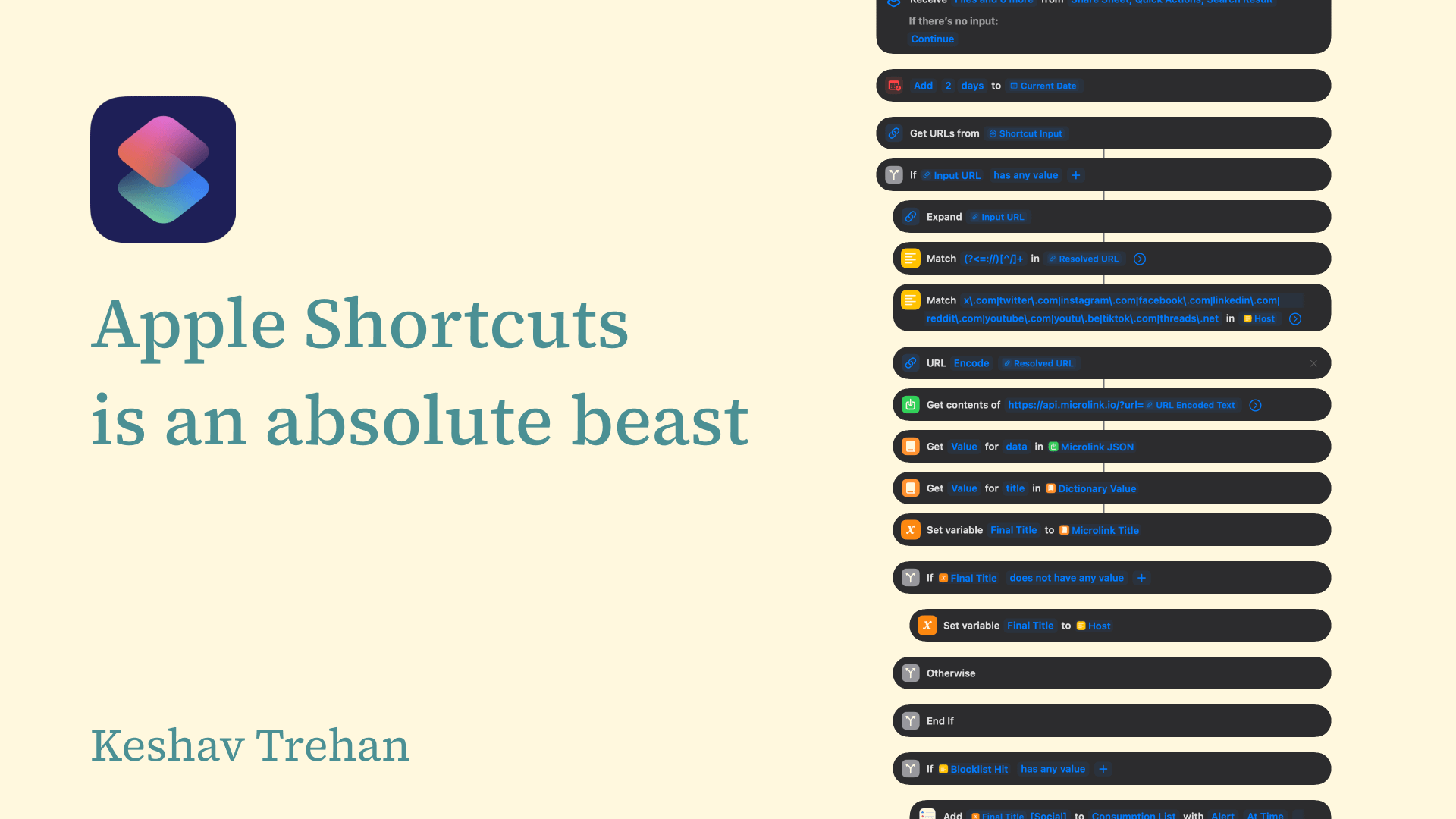
Here is the entire spec for those interested.
This time I specced it properly, with a lot of back-and-forth with Claude. What I thought I needed was simple: save something, get a reminder to come back to it in a couple of days.
Here’s what actually happens now when I share something, from any app, on any device.
If it’s a link:
Cleans it first, following redirects and shorteners to the real destination
Pulls the page’s own title, so the reminder is descriptive, even for a tweet
Checks the host. Sites like X can’t be turned into a clean article and will crash an extractor if you try, so those skip straight to a link-only reminder
Everything else gets a real attempt. If it’s a genuine article, it builds a PDF from the body and saves it offline. If it’s not, homepage, dashboard, whatever, it falls back to a link-only reminder instead of failing outright
If it’s a file:
Reads the file’s name and uses it as the title
Timestamps the filename so nothing overwrites something else
Copies the file into my Reading List folder for offline access
Hands the reminder a tappable link straight to the copy
One rule sits above all of it: the reminder always gets created, no matter what else fails. If iCloud is down, if the PDF step breaks, the reminder still exists. The PDF is a bonus. The reminder is the constant.
It works the same on my phone, my iPad, and my Mac, because that’s actually how I read, whichever screen is in front of me.
I didn’t ask for any of that complexity. It came out of actually thinking through what happens when things go wrong, which turns out to be most of what building something properly requires.
The part that surprised me
Apple Shortcuts can call external APIs. It can hold real nested logic, several layers deep. It can manipulate data, not just move it around.
I had never imagined the app I mostly used to copy stuff was capable of any of that.
The tool that finally solved this was free, already installed, and never once asked for a login. I’d spent years paying other people to almost solve this, when the thing capable of actually solving it had been one tap away the whole time.
Here is the Shortcuts link if any of you wish to fork it.